Abyssal Lapidary how to sell cut gems: Sales Guide
Learn how to sell cut gems in Abyssal Lapidary through commissions and auctions, unlock faceting, and work around the demo's delivery bug.
Finished a beautiful gemstone but can’t turn it into coins? Abyssal Lapidary how to sell cut gems comes down to using the right sales channel: matching commissions through the delivery hatch, or auctions once unlocked. If you’re searching for Abyssal Lapidary how to sell cut gems, knowing the difference between processed ore and faceted gemstones will save you time, valuable materials, and potentially a missed commission deadline.
This guide covers the October 2026 demo material. Where auction advice or interface workarounds come from players rather than demonstrated tutorials, they are labeled as community reports.
How to Sell Cut Gems in Abyssal Lapidary
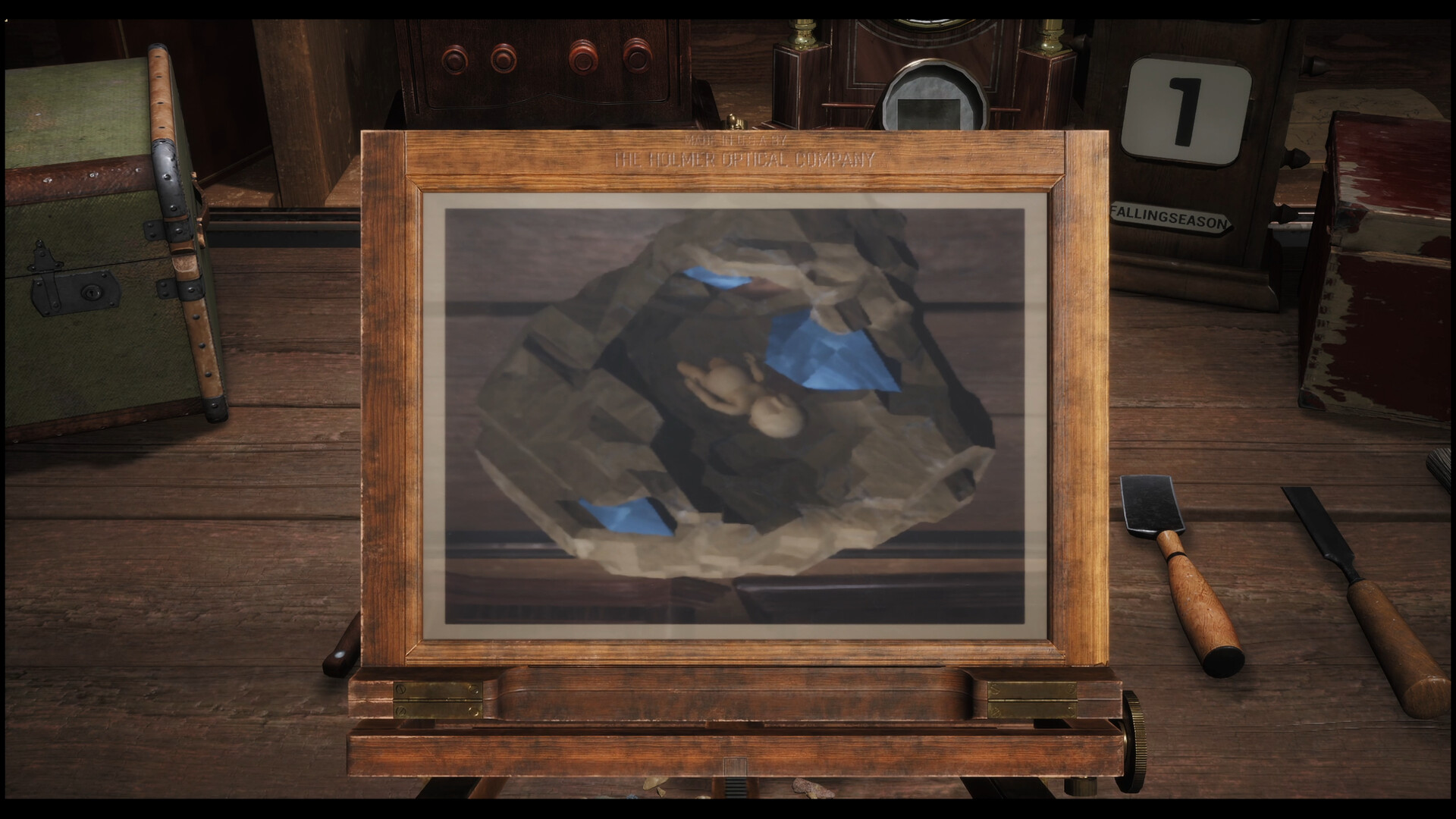
Official screenshot · Source: Steam store
Start with a commission that requests a cut gem, then submit a qualifying gemstone through the delivery hatch beside reception. Auctions provide another outlet later, although the supplied gameplay does not demonstrate their complete selling interface.
The important distinction is that the ore buyer’s Sell ore option is demonstrated for processed mineral specimens—not as a confirmed universal selling menu for finished cut gems.
| Item you have | Relevant sales route | What to check |
|---|---|---|
| Processed mineral specimen | Ore buyer’s Sell ore dialogue | Dominant mineral, purity, damage, and offered price |
| Finished cut gem matching an order | Commission delivery hatch | Every requirement listed in the commission |
| Spare finished cut gem | Auction, according to community reports | Auction access and event date |
| Relic recovered from ore | Relic buyer | Whether you would rather keep it for display effects |
| Base or precious metal scraps | Primarily upgrade materials | Your tool and house upgrade needs |
For Abyssal Lapidary how to sell cut gems, the practical answer is therefore commissions first, auctions later. Don’t assume every merchant buys every item category.
The fastest commission delivery sequence
- Speak with a client offering commissions.
- Accept an order that specifically matches the item you intend to make.
- Finish extracting and faceting a suitable stone.
- Open the commission list at reception.
- Move to the delivery hatch to the left of the desk.
- Select the order and a qualifying item.
- Use Deliver to submit it.
The customer does not need to remain at the counter. The demonstrated delivery system lets you fulfill accepted orders separately, which is useful when processing a stone takes longer than the initial conversation.
Unlock Faceting Before Planning Cut-Gem Sales
You cannot build a reliable cut-gem business before unlocking the equipment. In the demonstrated demo progression, obtaining the Silver license allows you to upgrade and unlock the gem faceting table.
Complete early commissions to raise your reputation, then contact the guild assessor when you qualify for the next license. The gameplay shows license registration during the end-of-day visitor-arrangement process.
| Progression step | Action | Why it matters |
|---|---|---|
| Establish the workshop | Complete the introductory processing tutorial | Learn appraisal, extraction, and storage |
| Build reputation | Fulfill available client commissions | Satisfied clients advance workshop progression |
| Register Silver | Contact the assessor after qualifying | Enables the faceting-table upgrade |
| Unlock the table | Purchase the relevant upgrade | Opens gemstone cutting |
| Make a finished gem | Select suitable rough and complete a cutting plan | Produces an item for an appropriate cut-gem order |
Extract the stone without destroying its value
At the ore workbench, inspect the specimen before using stronger tools. The tutorial explains that minerals and tools have separate hardness and toughness ratings.
A tool capable of removing the surrounding rock may leave the harder gemstone untouched. Increasing its processing level carelessly can remove that safety margin.
Use this extraction routine:
- Appraise exposed minerals with the head-mounted loupe.
- Identify the surrounding material and the gem you want to preserve.
- Choose an appropriate tool and processing level.
- Remove the surrounding rock carefully.
- Collect detached pieces using Put small ore pieces in storage.
- Return the remaining specimen to storage when finished.
Watch for stress nodules. Breaking one can trigger a chain reaction through nearby material of the same mineral, potentially damaging something you meant to keep.
Choose a cutting plan that preserves useful material
At the faceting table, select suitable rough, choose an available cutting method, and complete the cuts. The tutorial indicates that a plan using more of the original stone increases the finished gem’s value.
However, a valuable result is not automatically a valid commission item. Check the order before committing to a cutting method.
The official Abyssal Lapidary Steam page describes the broader crafting loop of appraising ore, cutting gems, and making jewelry. These are related activities, but their finished products should not be treated as interchangeable.
Match Commissions to the Gems You Actually Have
A common Abyssal Lapidary how to sell cut gems mistake is making a gemstone first and only afterward looking for a suitable buyer. Reverse that process whenever possible: inspect the order, confirm your materials, and then cut.
Commissions can impose different requirements. Use the actual order panel as your authority rather than assuming a stone qualifies because its visible color looks close.
| Requirement to inspect | Practical question | Mistake to avoid |
|---|---|---|
| Item category | Does the client want ore, a cut gem, or jewelry? | Offering the wrong product type |
| Mineral | Is a particular stone required? | Substituting a visually similar mineral |
| Color | Does the item satisfy the specified color group? | Judging only from its appearance |
| Quality or damage | Does it meet the listed threshold? | Submitting damaged or insufficient-quality material |
| Cut, if specified | Does the finished gem use the required method? | Choosing a cut only for value |
| Deadline | Can you finish and deliver in time? | Accepting an order that needs unavailable materials |
Not every commission necessarily uses every restriction in this table. Read what your specific order displays.
Use available-item indicators
The demonstrated commission interface sometimes indicates that suitable delivery items are already available. That is a useful starting point when you need money without buying additional ore.
Inspect the eligible items before submitting. If several qualify, consider saving a rarer specimen for a more restrictive future request.
For example, imagine you have one gem that meets a broad color request and another that also satisfies a specific mineral order. Where the interface permits, use the less specialized item for the broad request.
Respect the acceptance limit
The demo also shows a daily commission acceptance limit. Filling it with speculative orders can prevent you from taking work you could finish immediately.
Before accepting, ask:
- Do I already own an eligible item?
- Can my tools extract the required material?
- Is the necessary cutting method available?
- Will repairs or additional purchases consume my operating money?
- Can I deliver before the deadline?
For Abyssal Lapidary how to sell cut gems, efficient order selection matters as much as cutting accuracy. An impressive gemstone sitting in inventory does not pay workshop dues.
Use Auctions for Spare Cut Gems Once Available
Auctions are the later-game alternative worth investigating when you have finished gems that do not match current commissions.
Community reports describe selling long-named cut gems at the auction house rather than delivering them through the commission interface. This supports auctions as a cut-gem outlet, but the provided gameplay does not establish the exact listing controls, fees, or payout formula.
The demo tutorial states that auction attendance becomes available after obtaining the Quartz license. It instructs players to check the calendar and leave through the back door on an auction date.
| Auction preparation | What to do |
|---|---|
| Check progression | Follow the auction tutorial’s Quartz-license requirement |
| Check timing | Look for auction dates on the calendar |
| Prepare inventory | Identify spare gems you are willing to sell |
| Attend the event | Use the back door on the scheduled day |
| Inspect the sale interface | Confirm any displayed terms before committing |
Treat auctions as a scheduled outlet, not an always-open shop. The references do not support promises of guaranteed bids or higher profits than commissions.
Don’t confuse auction access with Silver progression
Silver unlocks the demonstrated faceting upgrade. The auction tutorial separately names Quartz for attendance.
That distinction is important: producing a cut gemstone does not necessarily mean you can immediately auction it. Until auction access is available, prioritize commissions your current stock can satisfy.
Fix Missing Delivery Buttons and Other Selling Problems
Sometimes Abyssal Lapidary how to sell cut gems is an interface problem rather than a missing gameplay step.
In an October 18–21 Steam discussion, players reported that long gemstone names expanded the delivery panel enough to push its button below the screen. Several said switching the game language to Japanese let them submit the item.
These are community reports, not a guaranteed fix for every build.
| Symptom | Likely issue | Recommended response |
|---|---|---|
| Deliver button extends off-screen | Reported long-name layout bug | Try the community-reported Japanese-language workaround |
| Item cannot fulfill the commission | Requirement mismatch | Recheck category, mineral, color, cut, and quality |
| Ore buyer offers zero for leftover rock | Low-value material rather than the valuable extracted mineral | Inspect which specimen you selected |
| No auction available | Progression or scheduling | Check license requirements and calendar |
| Cannot accept another order | Daily acceptance limit reached | Complete existing work and plan future orders |
Work around the long-name delivery bug
If the button is inaccessible:
- Check for an available game update.
- Note which commission and gemstone you intend to select.
- Try changing the language to Japanese.
- Reopen the delivery interface and attempt submission.
- Restore your preferred language afterward.
Players also suggested making a qualifying gem with a shorter name, including shorter cut names such as table cut or kite cut. Only use that approach if the replacement still meets the commission.
You can read the community discussion about cut-gem delivery buttons for the original player experiences.
Has the bug been patched?
The supplied discussion contains conflicting player claims about a fix. Some participants believed it had been patched; others still encountered it.
Although the supplied Steam listing includes an October 23 update announcement, the reference does not establish whether that update resolved this particular issue. A fix cannot be confirmed from the available material as of October 24, 2026.
FAQ: Abyssal Lapidary Cut-Gem Sales
What is the quickest answer to “Abyssal Lapidary how to sell cut gems”?
Accept a matching cut-gem commission and submit the qualifying gemstone through the delivery hatch left of reception. Once auction access is unlocked, community reports identify auctions as another selling route.
Can I sell finished cut gems to the ore buyer?
The supplied gameplay demonstrates the ore buyer purchasing processed mineral specimens, not a universal finished-gem sales menu. Use matching commissions for cut gems, or investigate auctions after unlocking them.
Why can’t I click Deliver on my gemstone?
If the button is below the screen, you may be encountering the community-reported long-name layout bug. Multiple players reported success after switching to Japanese. If the item is simply ineligible, check the commission’s requirements instead.
Should I cut every valuable stone immediately?
No. Check accepted commissions first. Some clients want processed minerals rather than finished gems, and a particular cutting plan may not match another order. Preserve useful rough until you know what you need, then turn it into a product you can actually deliver or sell.
Related Guides
Abyssal Lapidary gem cutting: Beginner Guide
Explore Abyssal Lapidary gem cutting, from ore appraisal to jewelry crafting, with confirmed mechanics and practical tips for the demo.
Abyssal Lapidary gem shaping: Unlocks and Cutting Tips
Learn Abyssal Lapidary gem shaping, unlock the faceting table with a Silver License, and avoid grinding mistakes that reduce gemstone value.
Abyssal Lapidary guide: Gems, Money, and Licenses
Learn the Abyssal Lapidary demo's early progression, Silver License unlock, gem-cutting basics, and practical ways to protect your shop's money.
Abyssal Lapidary showroom: Sales and Progress Guide
Explore Abyssal Lapidary showroom questions, confirmed customer mechanics, Silver License progression, and practical tips for the demo.
Abyssal Lapidary Steam Next Fest: Demo Release Guide
Explore the Abyssal Lapidary Steam Next Fest demo, including its 4+ hours of content, save transfers, new features, and PC requirements.