Abyssal Lapidary tips: Extract Gems With Less Damage
Use these Abyssal Lapidary tips to tune tools, extract fragile gems, manage breakage, and approach strict commissions with less wasted material.
Start With the Gem, Not the Hammer
A promising gemstone can become a disappointing extraction when your tool damages what you meant to save. These Abyssal Lapidary tips focus on reducing breakage, especially when you are chasing a commission with a strict damage limit. The most useful Abyssal Lapidary tips begin before the first strike: compare the gem with its surrounding rock, choose an appropriate tool setting, and decide whether that specimen is worth the risk.
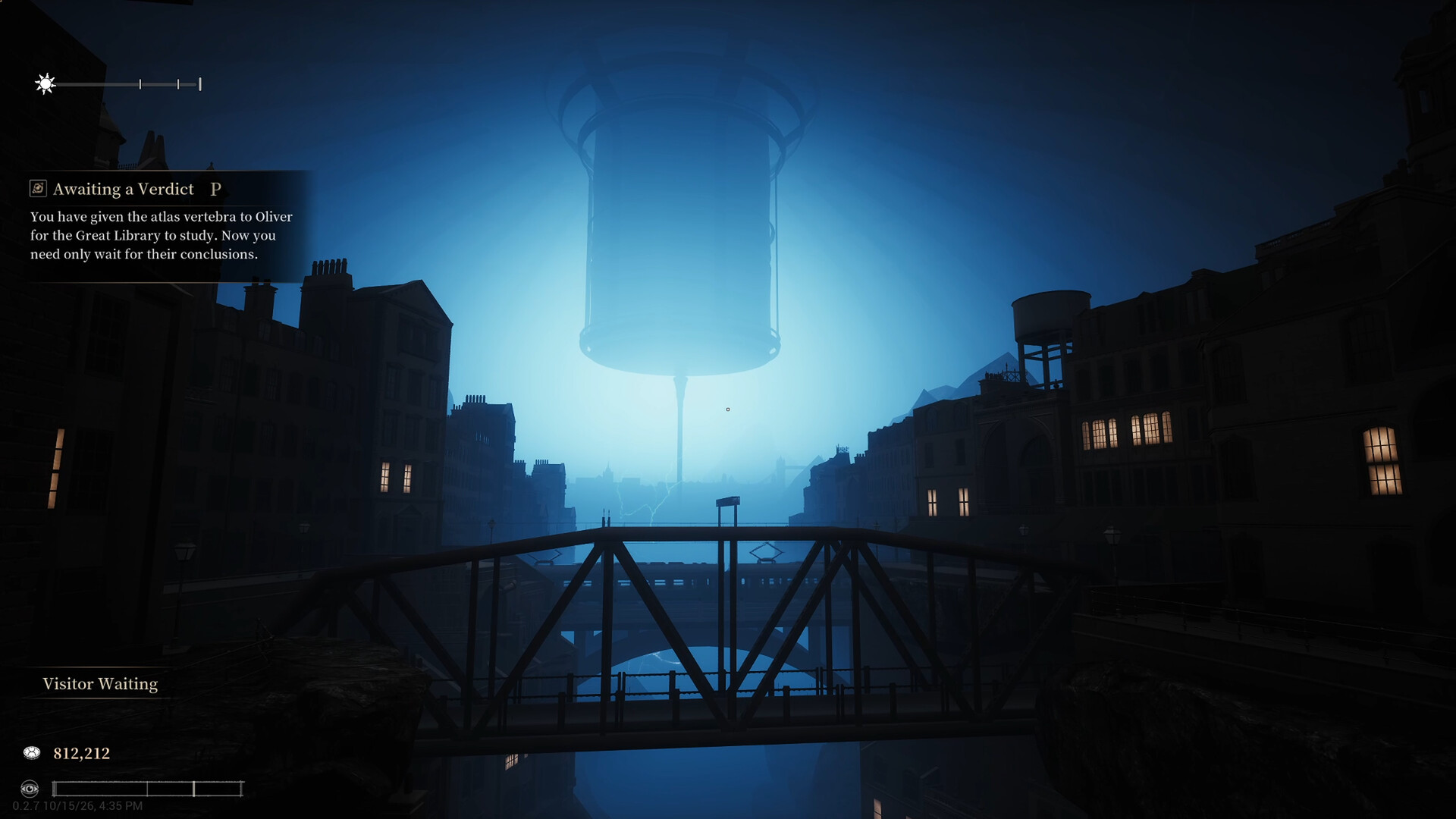
Official screenshot · Source: Steam store
Careful aim helps, but it does not explain every damaged gem. Community reports suggest that tool ratings, pre-existing damage, and the way split rocks remain connected during handling can all affect your results.
Source note: This guide draws on October 2026 Steam community discussions, not developer-confirmed mechanical documentation. Numerical rules below are labeled as player experience, and some comments specifically concern the demo. Tool availability and behavior may differ in your version. Visit the official Abyssal Lapidary Steam page for current game information.
Diagnose the problem before changing tools
When an extraction goes badly, first identify which problem you are trying to solve.
| What you notice | Possible explanation from community reports | Practical response |
|---|---|---|
| Breakage rises while removing nearby rock | Your tool setting may threaten the gem | Compare the relevant tool and gem ratings |
| A carefully extracted gem still has damage | Some damage may have existed beforehand | Inspect another specimen, especially an internal gem |
| Soft gems break inside hard stone | There may be no useful setting that safely removes the host rock | Consider a hacksaw approach |
| Hammering one split half affects the other | The pieces may still interact until stored and retrieved | Put the stone away, then retrieve only the desired half |
| A gem misses a 5% breakage requirement | Extraction quality alone may not be enough | Reassess the specimen or cautiously try acid etching |
This distinction matters: preventing new damage and removing existing damage are different jobs.
Tune Tool Settings to the Surrounding Rock
One of the most important Abyssal Lapidary tips is to avoid treating maximum tool strength as the default. According to player experience, adjustable hardness or toughness settings let you target the surrounding material while limiting damage to the gemstone.
The goal is not simply to use the weakest setting. It is to find a setting that still removes the host rock without unnecessarily threatening the gem.
Understand the reported two-level gap
In the Steam community discussion about reducing gemstone breakage, one player describes a useful rule: a tool setting at least two levels below the gem’s relevant rating should avoid adding damage from nearby work. A setting just one level below can still cause damage.
That is a community-reported rule of thumb, not a verified universal formula.
| Example | Tool setting | Gem rating | Reported implication |
|---|---|---|---|
| Lower-risk working gap | 3 | 5 | Two-level separation; reported to avoid nearby tool damage |
| Narrow working gap | 4 | 5 | Damage can still occur |
| Matching ratings | 5 | 5 | Less protective than working below the gem’s rating |
| Very fragile material | 1 | 2 | Only a one-level gap; safe extraction may be difficult |
The same player gives an example of a hardness-5 gem inside hardness-3 granite. Setting a suitable chisel or drill to hardness 3 reportedly allows the rock to be removed while protecting the harder gem.
However, this does not mean every gem extracted that way will display 0% breakage. Existing damage is a separate issue.
Make adjustments deliberately
A practical approach is to:
- Check the gem’s relevant hardness or toughness rating.
- Compare it with the surrounding material.
- Choose a setting that can work the rock while preserving a protective gap where possible.
- Make a limited test rather than committing to extensive removal.
- Reassess if the result differs from what you expected.
Avoid assuming that a hardness comparison explains every tool interaction. The same community explanation mentions a hidden minimum rating of 1 for hardness or toughness, which may make very fragile gems harder to protect than the visible controls suggest.
For beginner-friendly practice, favor specimens with a clear separation between the host material and the gem. These Abyssal Lapidary tips are easier to apply when you are not simultaneously testing the limits of fragile-material extraction.
Use the Hacksaw for Difficult Stone-and-Gem Combinations
Sometimes the surrounding stone is as hard as—or harder than—the gemstone. In that situation, repeatedly increasing your chisel or drill setting may only make the extraction more destructive.
Player experience in the Steam discussion about difficult stone-and-gem combinations recommends trying the hacksaw for small, soft gems trapped in difficult host rock. The trade-off is precision: getting the angle right can be awkward, and some material loss may be unavoidable.
Plan the cut before committing
Treat the saw as an alternative extraction method, not a guaranteed damage-free solution.
Before cutting:
- Identify which portion contains the gem you want.
- Look for an angle that separates surrounding stone without unnecessarily crossing the gem.
- Decide whether a smaller recovered specimen would still meet your objective.
- Avoid sacrificing large sections simply because careful chipping has become frustrating.
The useful question is not “Can I save everything?” It is “Can this cut preserve enough of the specimen to justify the loss?”
Store split stone before hammering again
One of the more easily overlooked Abyssal Lapidary tips concerns what happens after a cut. Community reports warn that a hammer strike can still carry through to the other side of a stone even when the halves look separated.
The recommended workaround is to put the split stone away, then retrieve only the half you intend to work on.
| Stage | Suggested action | Why it matters |
|---|---|---|
| Before cutting | Identify the gem-bearing section | Helps avoid an unnecessarily destructive cut |
| During cutting | Choose the angle carefully | Player experience describes alignment as difficult |
| After splitting | Put the stone away | Addresses the reported interaction between split pieces |
| Before hammering | Retrieve only the desired half | Reduces the risk of affecting the other section |
This is a reported handling precaution, not proof that every split behaves identically. Still, it is a sensible step to test before risking a promising gem.
Separate Existing Damage From Extraction Damage
A gem that emerges with breakage is not necessarily evidence of poor technique. In the community discussion, one player reported extracting hard gems with relatively low chisel settings and still seeing substantial damage.
Their example involved a fine ruby commission requiring no more than 5% breakage, while recovered rubies repeatedly exceeded 10%. That illustrates why tool tuning alone may not solve a strict commission.
Try internal gems for low-breakage goals
Another player reported better results from gems found inside the rock than from those already exposed on the exterior. Their experience included finding some 0% breakage internal gems after exposing them through weak points.
This is an observation, not an established spawn rule. Internal gems are not guaranteed to be undamaged, and exterior gems should not automatically be discarded.
Nevertheless, it suggests a useful selection strategy:
- For general extraction practice, work with accessible specimens.
- For strict breakage limits, give internal gems a chance.
- If several exposed gems remain damaged despite cautious extraction, change specimens rather than endlessly repeating the same approach.
Among these Abyssal Lapidary tips, specimen selection may save the most frustration. Sometimes the better decision is to stop trying to turn an unsuitable gem into a perfect commission candidate.
Use acid etching cautiously
A separate community reply suggests acid etching can remove damaged surface material and expose a less-damaged surface beneath it.
The warning is important: acid can also remove undamaged material quickly. It should not be treated as a repair button that restores lost gemstone.
| Approach | What it aims to accomplish | Main limitation |
|---|---|---|
| Lower tool settings | Prevent additional extraction damage | Cannot erase damage already present |
| Selecting another specimen | Find a better starting candidate | No guarantee the next gem is undamaged |
| Targeting internal gems | Follow a reported pattern of cleaner finds | Based on individual player experience |
| Acid etching | Remove damaged surface material | Also consumes healthy material |
| Sawing | Separate difficult host rock | Requires careful angles and may sacrifice material |
If acid etching is available in your version, work conservatively and reassess frequently. Stop when further removal threatens the usefulness of the gem more than it helps its condition.
Build a Repeatable Low-Breakage Workflow
The best Abyssal Lapidary tips work together as a decision process. Instead of switching tools randomly after a disappointing result, give each action a clear purpose.
A practical extraction checklist
Start with the commission, if you have one. A maximum breakage requirement changes which specimens are worth pursuing.
Then use this sequence:
- Choose a plausible candidate. Consider whether existing damage may already make the goal difficult.
- Compare material ratings. Look for a workable difference between the gemstone and its host.
- Tune the tool. Use the reported protective gap as a starting point, not an unconditional guarantee.
- Test cautiously. Observe the result before removing large amounts of material.
- Change methods when needed. Consider the hacksaw when ordinary removal threatens a softer gem.
- Separate split pieces properly. Store the stone and retrieve the intended half before hammering.
- Evaluate the recovered gem. Distinguish likely extraction damage from an unsuitable starting specimen.
- Consider limited finishing. Try cautious acid etching only when available and appropriate.
Know when to move on
Avoid spending all your practice time on the hardest possible combination. One community contributor specifically discouraged tackling gems with hardness or toughness of 2 or below in the demo, noting that fine-control equipment such as the polishing wheel was unavailable there.
That is demo-specific player advice, not a statement about every current version.
If a specimen requires tools you do not have, repeated attempts may teach less than working on a more forgiving combination. Build consistency first, then return to fragile gems with a clearer understanding of your tools.
The central lesson behind these Abyssal Lapidary tips is simple: better extraction starts with selecting the right problem, not just making more careful strikes.
FAQ: Abyssal Lapidary Tips for Cleaner Extractions
Why do my gems still have breakage when I use low tool settings?
Community reports suggest some gems already contain damage before extraction. Low settings may help prevent additional damage without producing a pristine result. Try a different specimen, and consider internal gems when pursuing a particularly low breakage limit.
What tool setting should I use to reduce gemstone damage?
One player-reported guideline is to keep the relevant tool rating at least two levels below the gem’s rating while remaining capable of removing the surrounding rock. For example, a setting of 3 is reported as suitable around a hardness-5 gem in hardness-3 material. Treat this as a starting point to test.
How do I extract soft gems from harder stone?
Player experience recommends trying the hacksaw when chipping threatens a soft gemstone. Plan the angle carefully and expect possible material loss. After splitting the stone, store it and retrieve only the half you want before using the hammer again.
Which Abyssal Lapidary tips help with a 5% breakage commission?
Prioritize a promising starting specimen, tune your tools to avoid added damage, and try internal gems rather than relying entirely on exposed ones. Community reports also suggest cautious acid etching for damaged surfaces, but it consumes material and does not guarantee a qualifying gem.
Related Guides
Abyssal Lapidary gem cutting: Beginner Guide
Explore Abyssal Lapidary gem cutting, from ore appraisal to jewelry crafting, with confirmed mechanics and practical tips for the demo.
Abyssal Lapidary gem shaping: Unlocks and Cutting Tips
Learn Abyssal Lapidary gem shaping, unlock the faceting table with a Silver License, and avoid grinding mistakes that reduce gemstone value.
Abyssal Lapidary guide: Gems, Money, and Licenses
Learn the Abyssal Lapidary demo's early progression, Silver License unlock, gem-cutting basics, and practical ways to protect your shop's money.
Abyssal Lapidary activation anomaly: Demo Guide
Understand Abyssal Lapidary's anomaly warnings, unusual finds, and activation lore, with practical demo tips and clearly labeled player experience.
Abyssal Lapidary demo: Release, Gameplay, and PC Specs
Try the free Abyssal Lapidary demo on Steam. Explore its release details, gem-cutting gameplay, beginner tips, PC requirements, and horror setting.